
DinnerGroupᵗᵐ Features

DinnerGroupᵗᵐ is a Windows application designed specifically for churches that use dinner groups to build community. Every feature focuses on simplifying administration so ministry leaders and volunteers can spend less time managing details and more time connecting people.
Core Capabilities (High-Level Overview)
Administration & Leadership
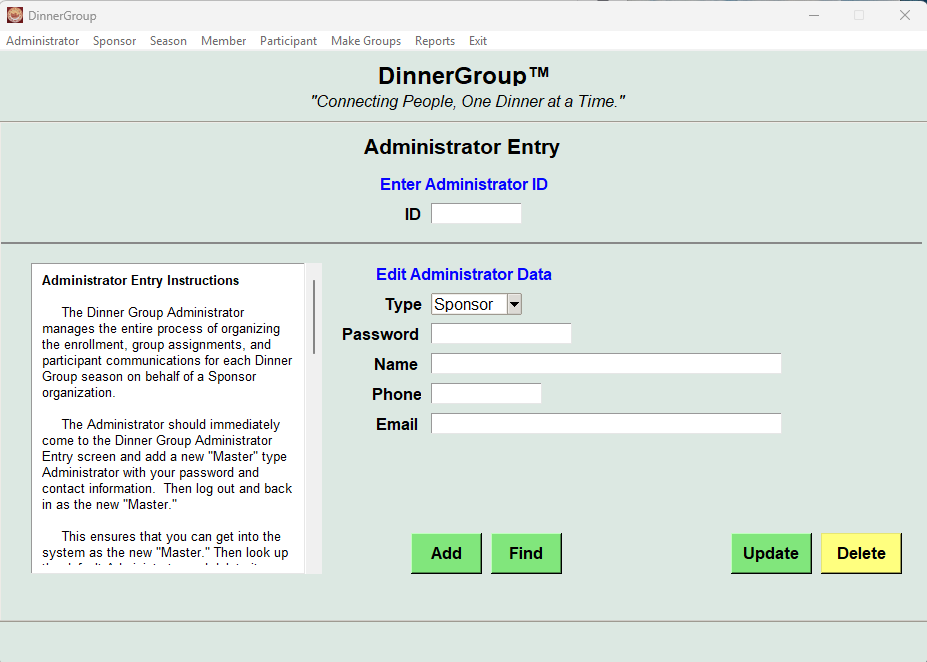
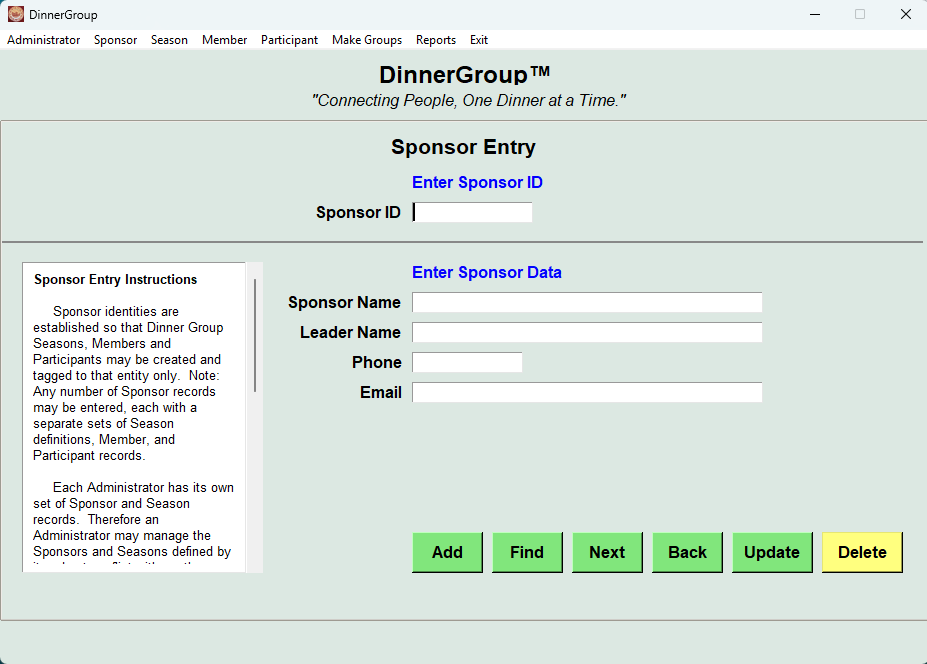
Establish the Administrator and Church Leadership Sponsor.
Season Management
Define kickoff dates, participation rules, and group structure for each dinner group season. Print sign-up sheets and edit kickoff handout text.
Member & Family Tracking
Store adults, kids, youth, and family relationships in one organized system.
Participant Creation
Convert members into active participants for a season with just a few clicks.
Automated Randomization
Generate fair, unbiased participant orderings automatically.
Group Assignment Engine
Create balanced dinner groups based on families, adults, and constraints.
Print-Ready Documents
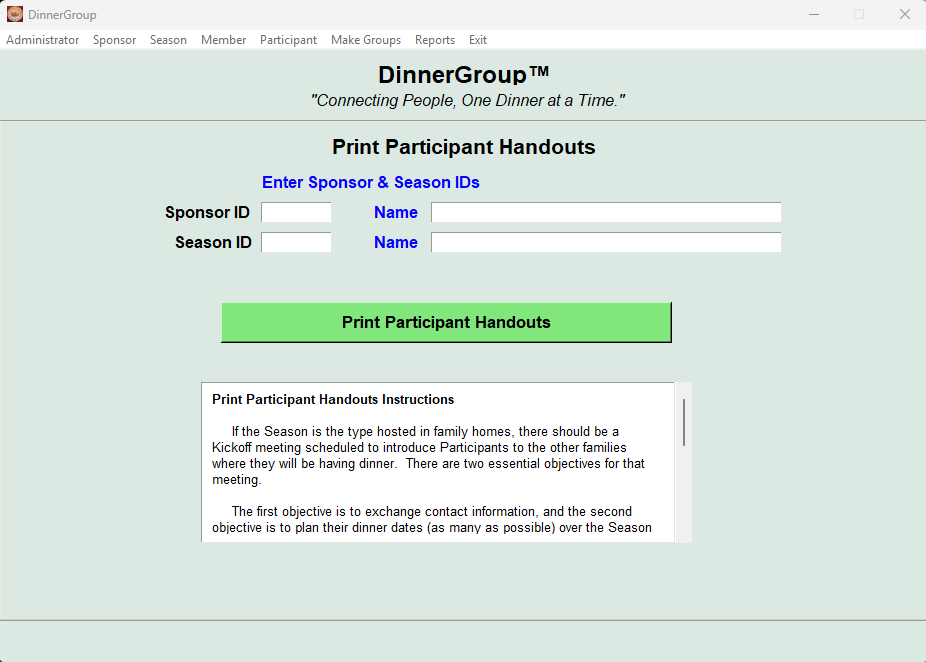
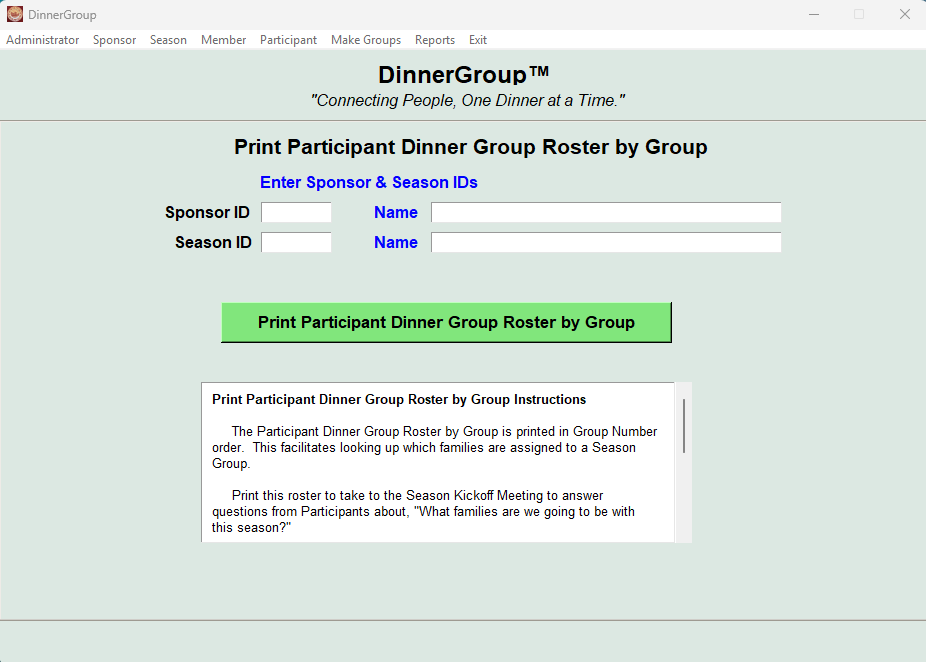
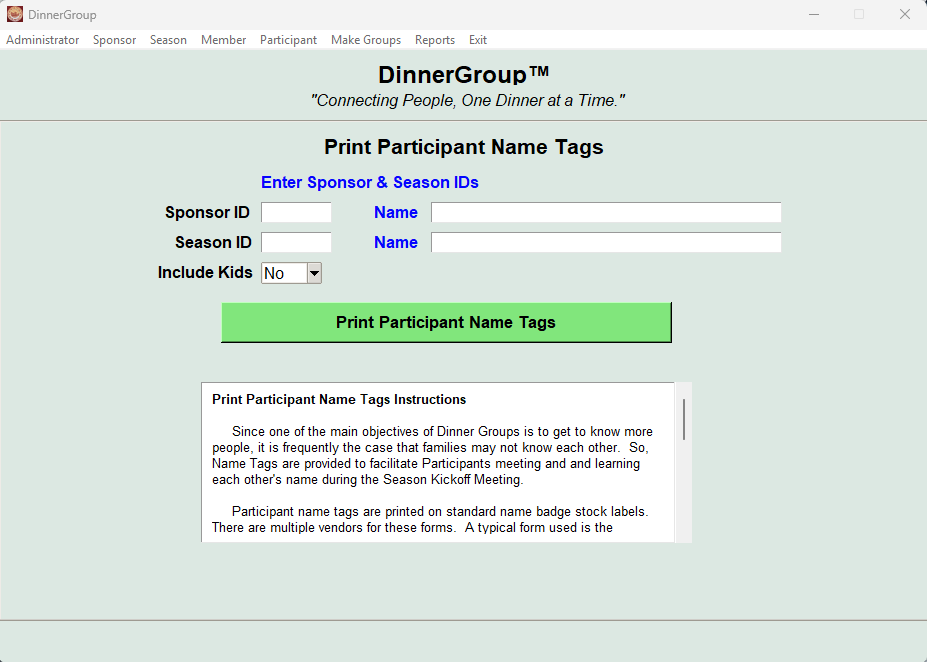
Generate rosters, handouts, name tags, and reports quickly.
Data Import & Templates
Excel-based templates for fast setup and loading from CSV files.
Focused Help Window on Every Screen
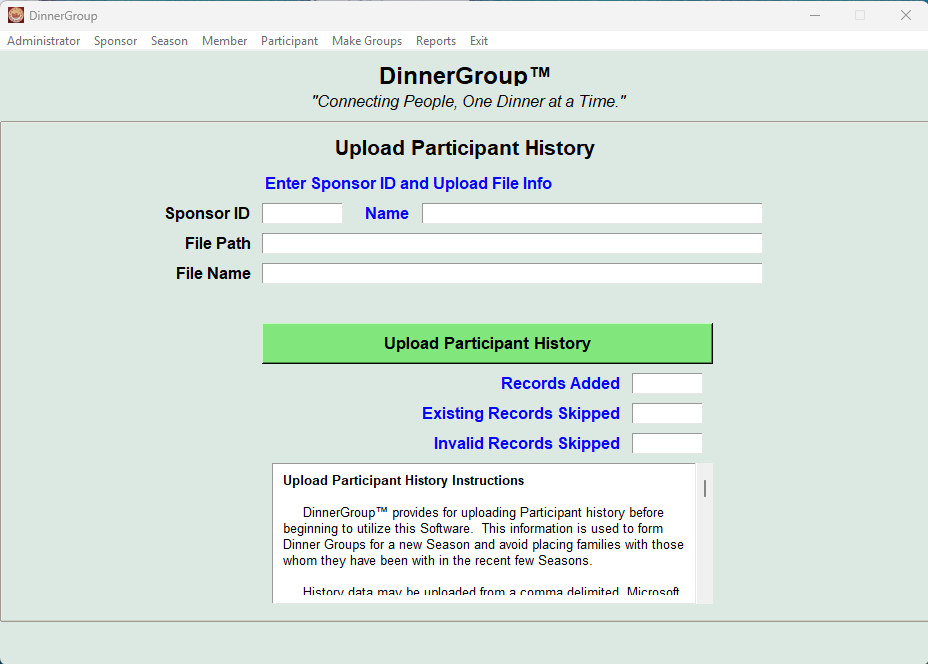
Each DinnerGroup™ screen contains a help window with User Guide text readily available to provide background and coaching.
Administration & Leadership
DinnerGroupᵗᵐ was created from real church ministry administration experience. It is intentionally simple, reliable, and suitable for volunteers with varying technical backgrounds.
Built specifically for nonprofit churches
Free for nonprofit church use
Works offline after download
Defines Administrator and church leadership roles
All screens contain an instructions section to guide the user through the process and key decision points
Season Management
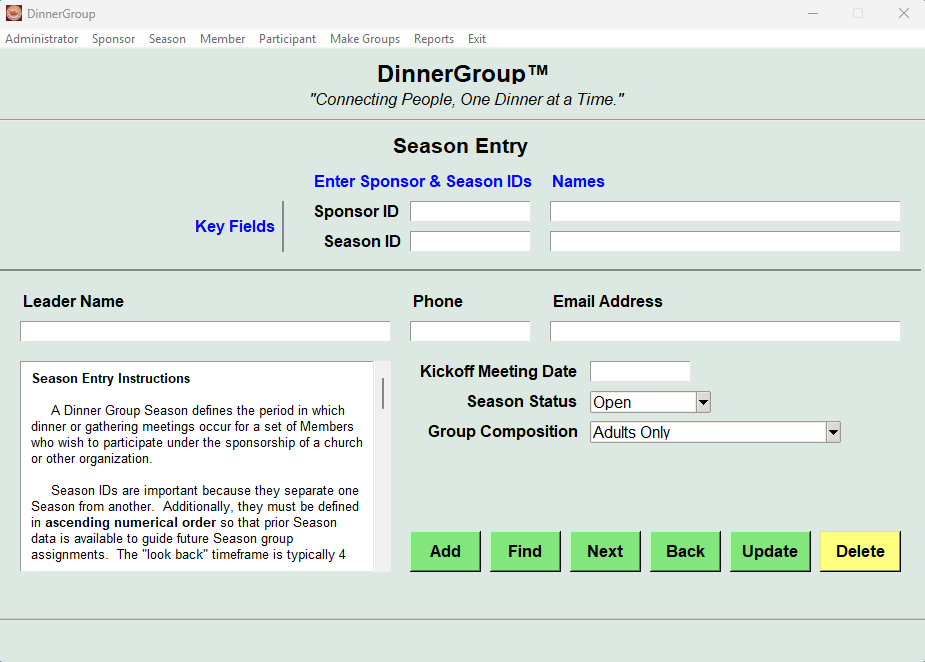
DinnerGroupᵗᵐ organizes everything around a Season. Each Season defines how your dinner groups will operate and provides the framework for participant assignment and reporting.
Season ID and description
Kickoff date and leadership roles
Adult, youth, and child participation options
Open, closed and archived status
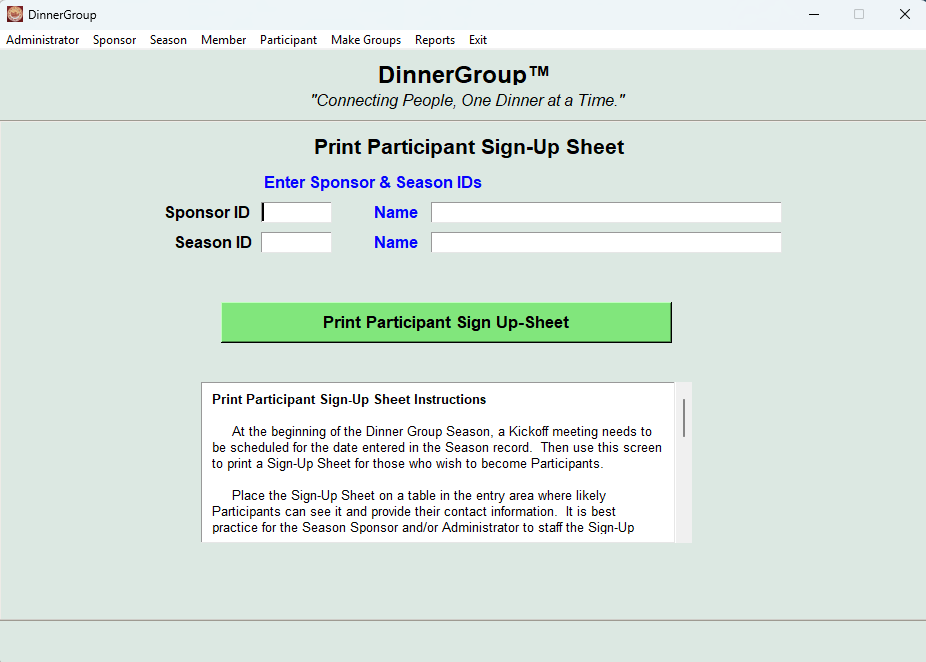
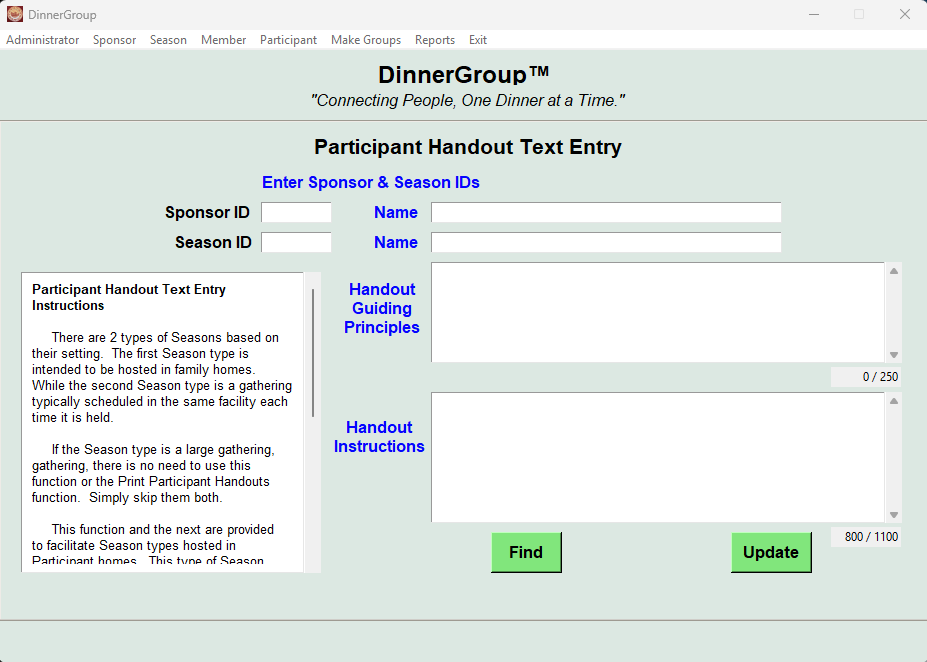
Print Season Participant Sign-Up sheet for use to enroll DinnerGroup participants and inform them of the upcoming Kickoff meeting date.
One of the essential items necessary to conduct a successful DinnerGroup Kickoff meeting is a handout for each Participant to facilitate their communications with others in their group.
This screen provides the means to customize the Guiding Principles and Instructions text in the handout which also contains the names, emails and phone numbers of all group members.
Guiding Principles
A list of Participant Names, emails, and phone numbers
Instructions to set expectations for all Participants
Member & Family Tracking
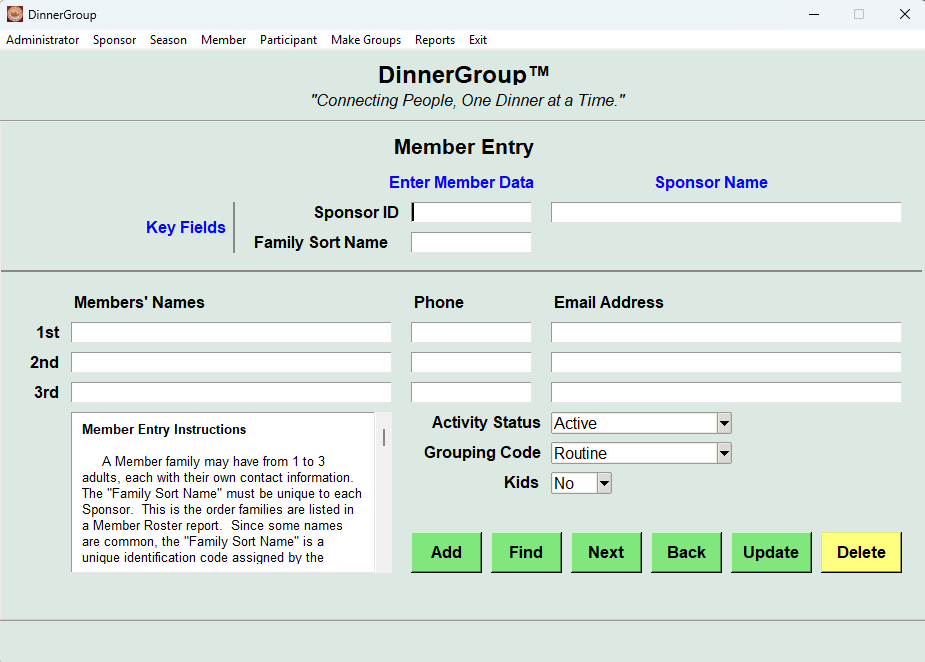
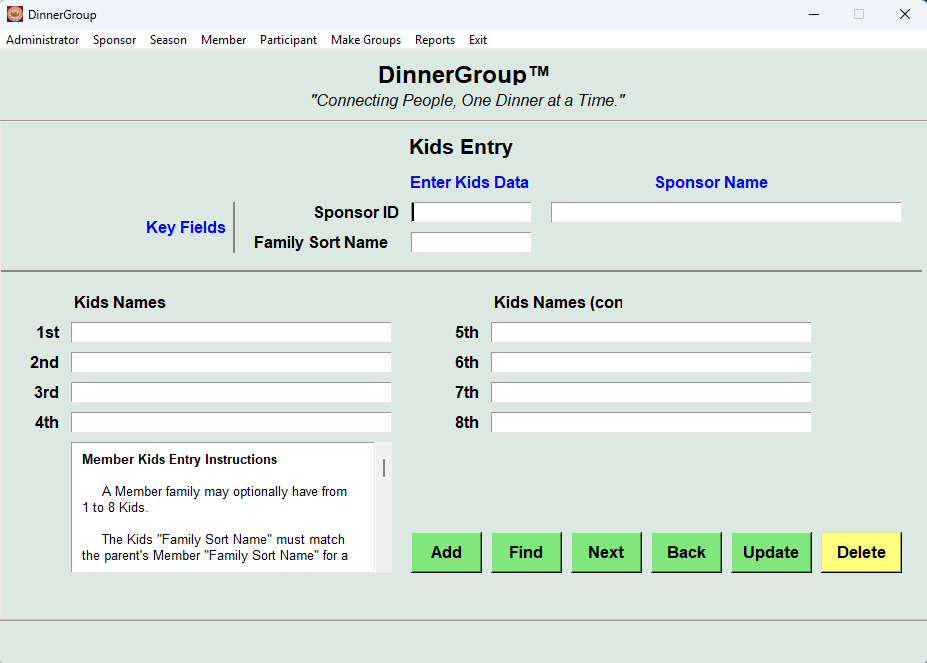
DinnerGroupᵗᵐ keeps member and family data organized and easy to maintain. Adults, youth, and children are tracked separately while preserving family relationships.
Adults, youth, and kids tracked appropriately
Family groupings maintained automatically
Participant history retained across seasons
Local data storage (no cloud uploads)
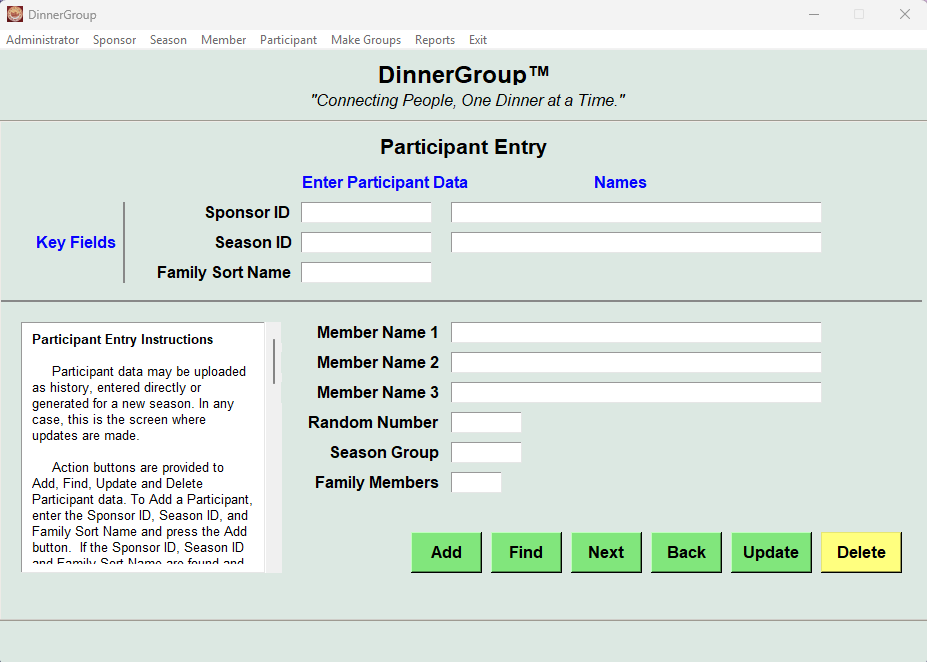
Participant Creation
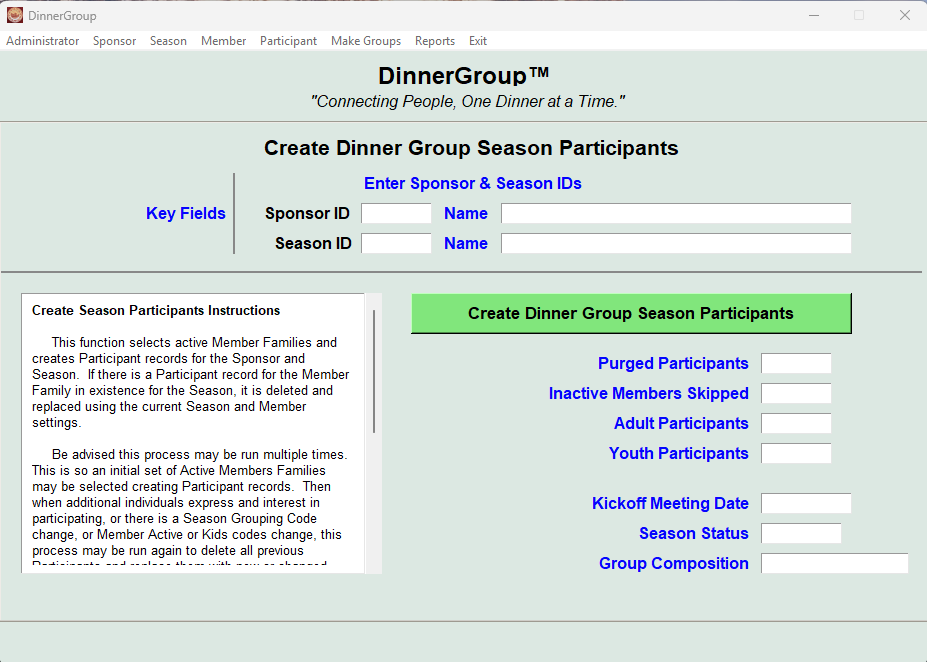
Members that are not currently active remain with their history to perhaps participate in a later season
This function may be rerun as additional members are added or season settings change
DinnerGroupᵗᵐ creates season Participants from Members with an active status.
Additionally, individual Participant records may be edited as necessary by the Administrator to adjust Season Group assignments.
Automated Randomization & Group Assignment
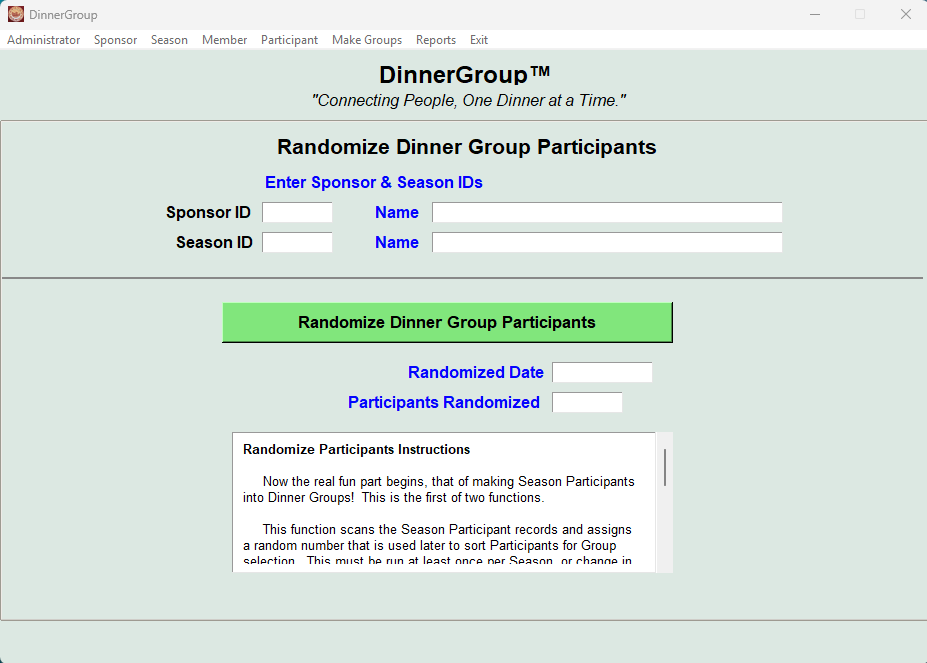
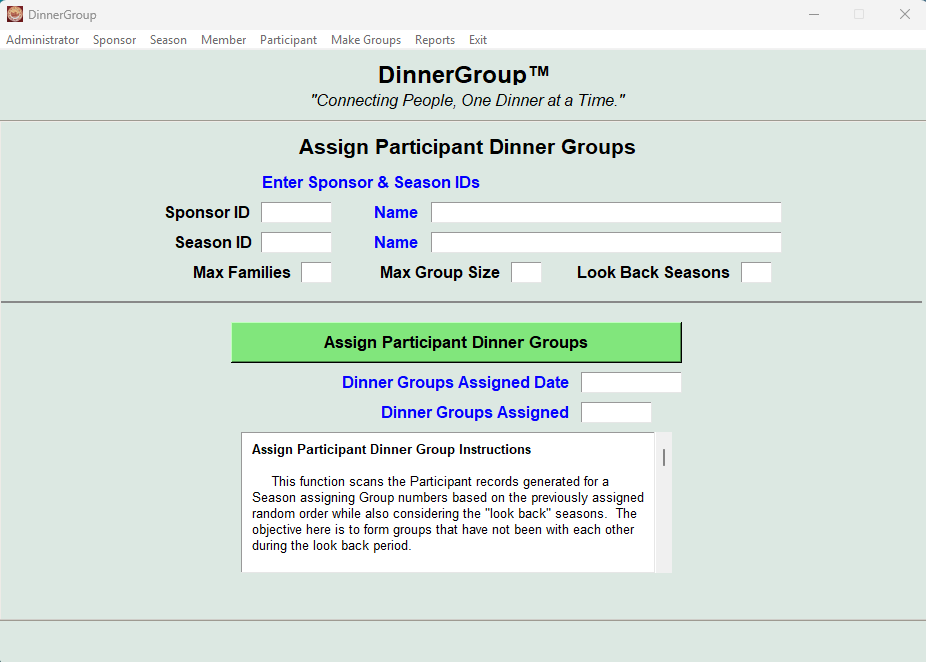
DinnerGroupᵗᵐ removes bias and guesswork from group creation. Participants are randomized and assigned using consistent, repeatable logic designed for church fellowship settings.
Participant randomization and rerun as required
Balanced group creation
Flexible group size control
Supports leadership placement
Reports & Print-Ready Materials
DinnerGroupᵗᵐ generates clear, professional PDF documents for every stage of your dinner group ministry.
Sign-up sheets
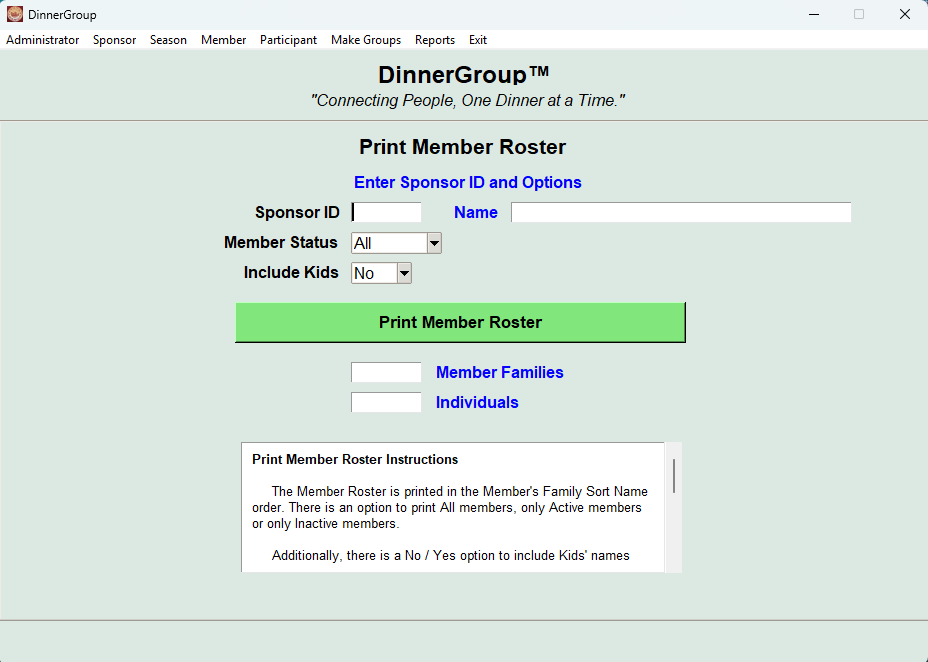
Member rosters
Group rosters
Participant handouts
Avery-compatible name tags
Data Import & Templates
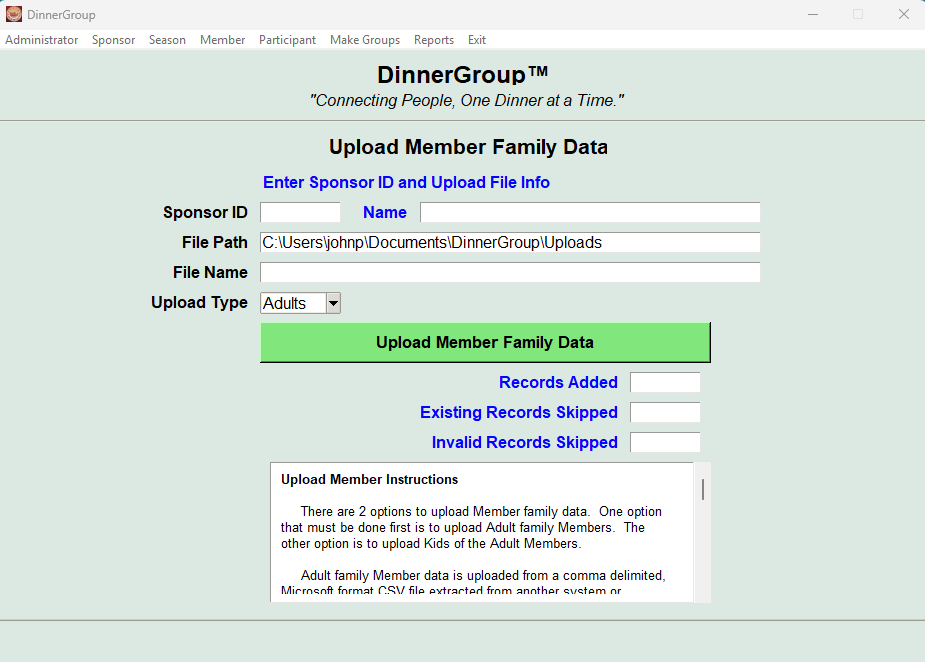
DinnerGroupᵗᵐ supports Excel-based templates for fast setup. Churches can prepare data using familiar spreadsheet tools and import from CSV created files.
Member upload template
Kids upload template
Participant history upload via Member template
Avoids massive rekeying
System Requirements
Windows 10 or Windows 11
Approximately 50 MB disk space
PDF viewer installed
Microsoft Excel or compatible spreadsheet software for templates
Ready to Try DinnerGroupᵗᵐ?
Download DinnerGroupᵗᵐ and the supporting materials to get started with your next dinner group season.